


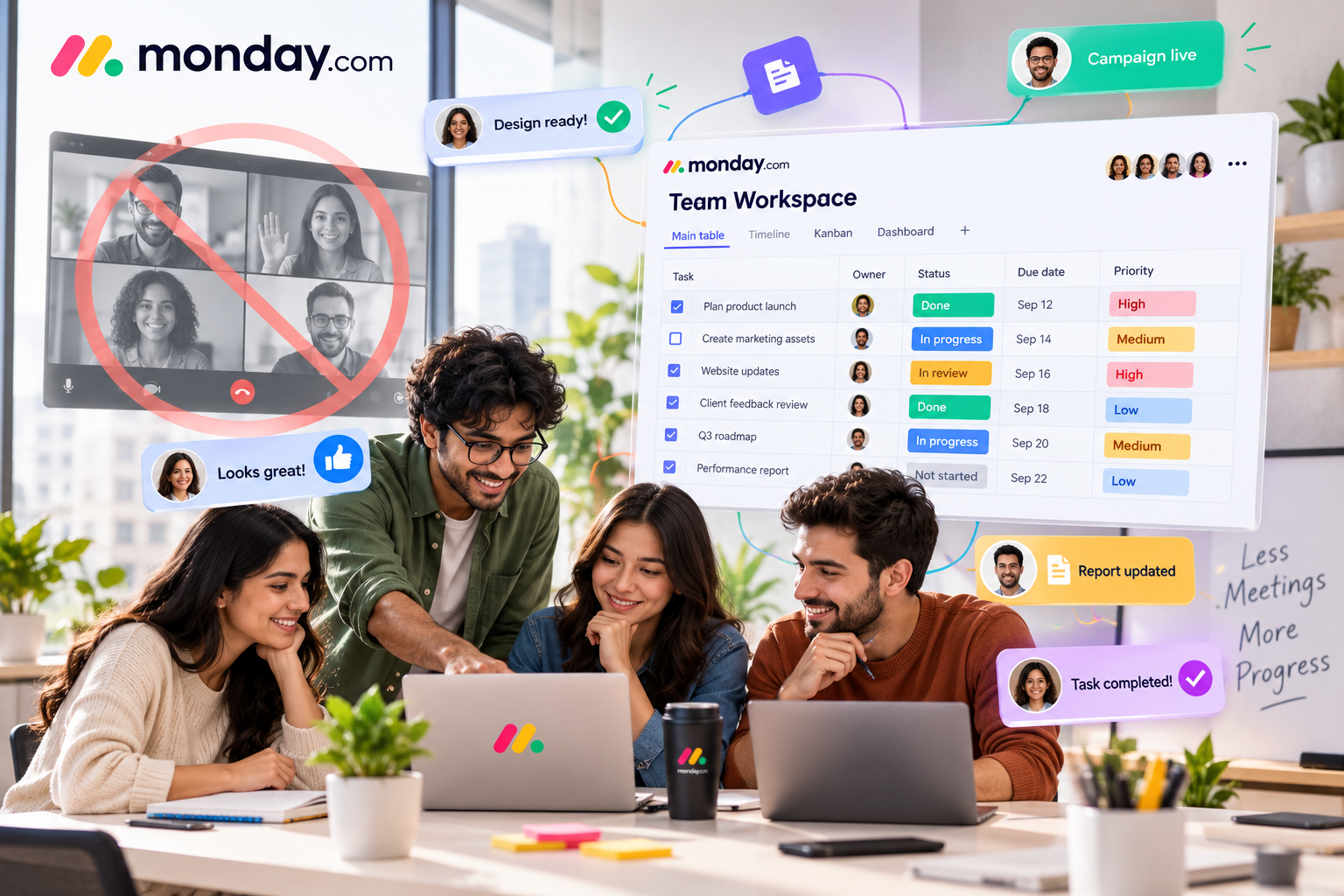
Another meeting has been added to the calendar. The reason? Everyone needs to know what everyone else is working on. It sounds reasonable, but after a while, meetings can start taking time away from the actual work. A quick status update becomes a 30-minute call, and someone still ends up asking, “What happens next?”
The problem may not be that your team needs more communication. It may simply need better visibility. That is where monday.com can help. It gives teams a shared space where tasks, deadlines, responsibilities, and project progress can be organized in one place.
Give Everyone a Clear View of the Work
Think about a marketing campaign. The writer is preparing the copy, the designer is creating visuals, the social media manager is waiting for approval, while the project manager is trying to figure out whether everything will be ready for launch. Without a central system, getting an update can mean sending several messages.
With monday.com, these tasks can be organized on a shared board. Team members can see what they need to work on, who owns each task, and what stage the project has reached. Instead of asking, “Where are we with this?”, people can simply check.
Keep Responsibilities From Getting Lost
One of the easiest ways for a project to slow down is for someone to assume that somebody else is handling a task. A shared workspace can make responsibilities much clearer.
In monday.com, tasks can be assigned to specific people, given deadlines, and updated as work progresses. This creates a simple chain of accountability without requiring someone to constantly remind the team. Everyone knows what belongs to them, and everyone can see what still needs to be done.
Replace Status Meetings With Real-Time Updates
Status meetings are often useful, but they do not need to be the answer to every update. Instead of waiting for the next meeting, teams can use monday.com to keep project information updated as work happens.
A task moves from “To Do” to “In Progress.” A deadline changes. A piece of content gets approved. The information is already there, which means the next meeting can focus on decisions, problems, and ideas rather than spending half an hour going around the room asking for updates.
Let Automation Handle the Repetitive Work
Not every update needs a person behind it. If a task is completed, the next person may need to be notified. If something is approved, another task may need to be created. These small actions can become surprisingly time-consuming when repeated across multiple projects.
monday.com offers automation features that can handle many routine steps automatically. The goal is simple: let the system take care of predictable tasks so your team can spend more time on work that actually requires their attention.
See the Bigger Picture Without Opening Ten Different Files
Sometimes you do not need to know every detail. You just want to know whether the project is on track.
This is where monday.com dashboards and different work views can be useful. Teams can get a broader picture of project progress, deadlines, workloads, and other important information without manually checking every task. For managers, this can make it easier to spot potential problems early, while team members can get a clearer idea of what needs their attention.
Fewer Meetings, Better Collaboration
Reducing meetings does not mean reducing communication. It means making communication more useful.
When everyone can see what is happening, who is responsible, and what needs attention, teams do not have to rely on constant messages and meetings just to stay informed. That is where monday.com can fit into the workflow, giving teams a shared place to organize their work and keep important information visible.
Let Meetings Be About Decisions, Not Updates
Your team will probably always need meetings. The goal is not to eliminate them completely, but to stop using valuable meeting time for information that could already be visible to everyone.
When routine updates, task tracking, and responsibilities are easier to manage, meetings can become shorter and more meaningful. Instead of asking, “What is everyone working on?”, you can start with the more useful question: “What do we need to solve next?”
And that small change can make collaboration feel a lot less complicated.
The AI Work Platform for People & Agents | monday.com
Get more work done with AI agents that work side by side with your people. Execute, manage, and operate together on one AI work platform to drive business results.