


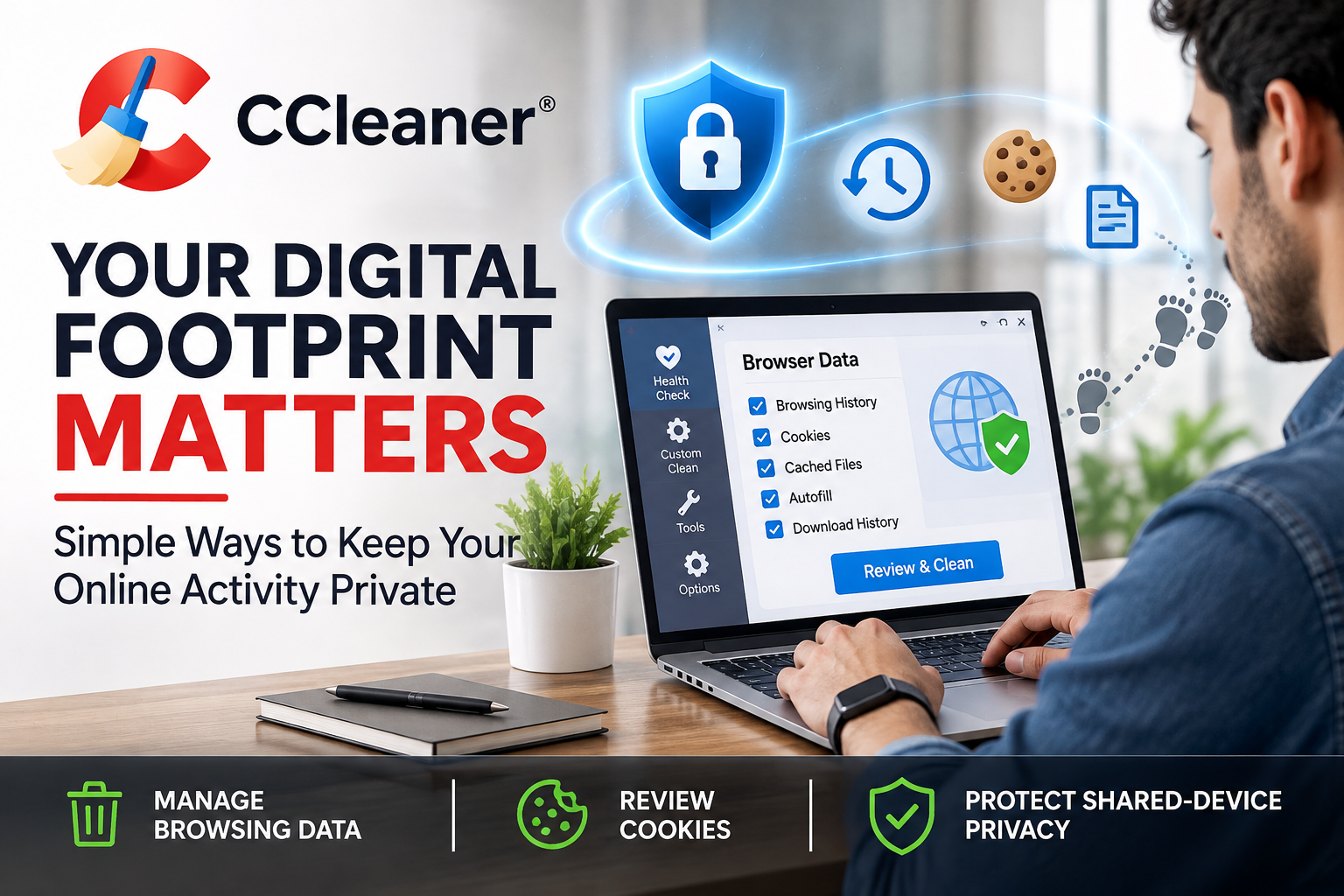
We use computers for almost everything, from checking emails and attending online meetings to shopping, banking, and managing personal accounts. Over time, browsers and applications can store a surprising amount of information about our daily activities. While some of this data makes browsing more convenient, it can also create privacy concerns, especially when using shared devices. Developing better digital habits and using tools such as CCleaner can help make everyday computer use more organised and privacy-conscious.
Understanding What Your Computer Remembers
Every time you browse the internet, your browser may save information such as browsing history, cookies, cached files, and autofill details. These records can make websites load faster and remember your preferences, but they may also reveal details about your online activity. Understanding what gets stored is the first step towards managing your digital footprint. With CCleaner, users can explore options for cleaning browser data and removing selected temporary information from supported applications.
Some common types of stored browsing data include:
- Browsing history: A record of websites you have visited.
- Cookies: Small files websites use to remember preferences, sessions, and other information.
- Cached files: Temporary website elements stored to help pages load more quickly.
- Autofill information: Details such as names, email addresses, and form entries saved by your browser.
- Download history: Records showing files downloaded through a browser.
Why Shared Computers Require Extra Attention
Using a computer with family members, colleagues, or other people can create privacy challenges. A browser that remains signed in or stores personal information may expose details you would rather keep private. Even something as simple as leaving an account open can create unnecessary risks. Regularly reviewing browser settings and using CCleaner to manage selected browsing records can become part of a sensible routine when multiple people use the same device.
A few simple habits can make shared computer use more responsible:
- Sign out of personal accounts when you finish using them.
- Avoid saving passwords on devices used by other people.
- Use private browsing when appropriate.
- Review saved browser information periodically.
- Lock your computer whenever you step away from it.
Cookies: Convenience and Privacy in Balance
Cookies are not automatically harmful. Many websites use them to remember login sessions, shopping carts, language preferences, and other settings. Certain cookies also help advertisers and analytics services understand browsing behaviour. Removing every cookie may affect how some websites function or sign you out of frequently used accounts. Tools such as CCleaner allow users to manage browser-cleaning options, making it important to review what will be removed before starting a cleanup.
Keep Your Browsing Data Under Control
Browser maintenance does not need to become a complicated task. A regular review of stored information can help prevent unnecessary data from accumulating on your computer. Depending on the version and features available, CCleaner offers cleaning options for browsing history, cookies, cached files, and other temporary data. Users can choose relevant categories rather than removing everything automatically.
Before cleaning your browser, consider these points:
- Check which browsers and applications are included in the scan.
- Review the categories selected for removal.
- Make sure you know whether saved login sessions or form details will be deleted.
- Keep important information backed up separately.
- Avoid removing data you still need for active work or personal tasks.
Be Careful With Saved Passwords and Autofill
Password managers and browser autofill features can make everyday internet use much easier. They reduce the need to repeatedly enter login details and personal information. Yet convenience should not come at the cost of account security. Saving passwords on a public or shared computer is particularly risky, as another person may gain access if the device is not properly secured. While CCleaner provides browser-cleaning options that can help manage selected stored information, users should also rely on strong, unique passwords and trusted password-management practices.
Consider following these basic precautions:
- Use a reputable password manager for important accounts.
- Enable multi-factor authentication wherever available.
- Never share passwords through unsecured messages.
- Review saved passwords and remove outdated entries.
- Avoid storing sensitive login details on computers you do not control.
Make Privacy Part of Your Regular Computer Routine
Digital privacy is easier to maintain when it becomes a regular habit rather than something you think about only after a problem occurs. Set aside a little time to review browser permissions, check saved information, update applications, and remove data you no longer need. Features available through CCleaner can support parts of this process by helping users clean selected browser records and manage certain computer-maintenance tasks.
A simple monthly review could include:
- Checking which applications have access to your information.
- Reviewing browser extensions and removing unfamiliar ones.
- Updating your operating system and installed software.
- Checking whether important accounts are still signed in on shared devices.
- Reviewing browser cookies, history, and cached information.
Privacy Tools Are Helpful, but Awareness Matters
No single application can guarantee complete online privacy. Your internet service provider, websites, applications, and other services may still collect information according to their own policies. Cleaning browser history also does not erase records held by websites or online accounts. Using CCleaner can help with certain local cleaning and maintenance tasks, but it should be considered one part of a broader approach that includes secure browsing, software updates, careful account management, and responsible online behaviour.
Build Better Digital Habits One Step at a Time
Protecting your digital footprint does not require changing everything about the way you use your computer. Small decisions, such as signing out of shared devices, reviewing saved passwords, and cleaning unnecessary browser data, can gradually create a more responsible digital routine. With practical maintenance options from CCleaner, users can take another step towards managing the information stored on their computers. The most effective approach combines useful tools with awareness, consistency, and sensible security habits.