


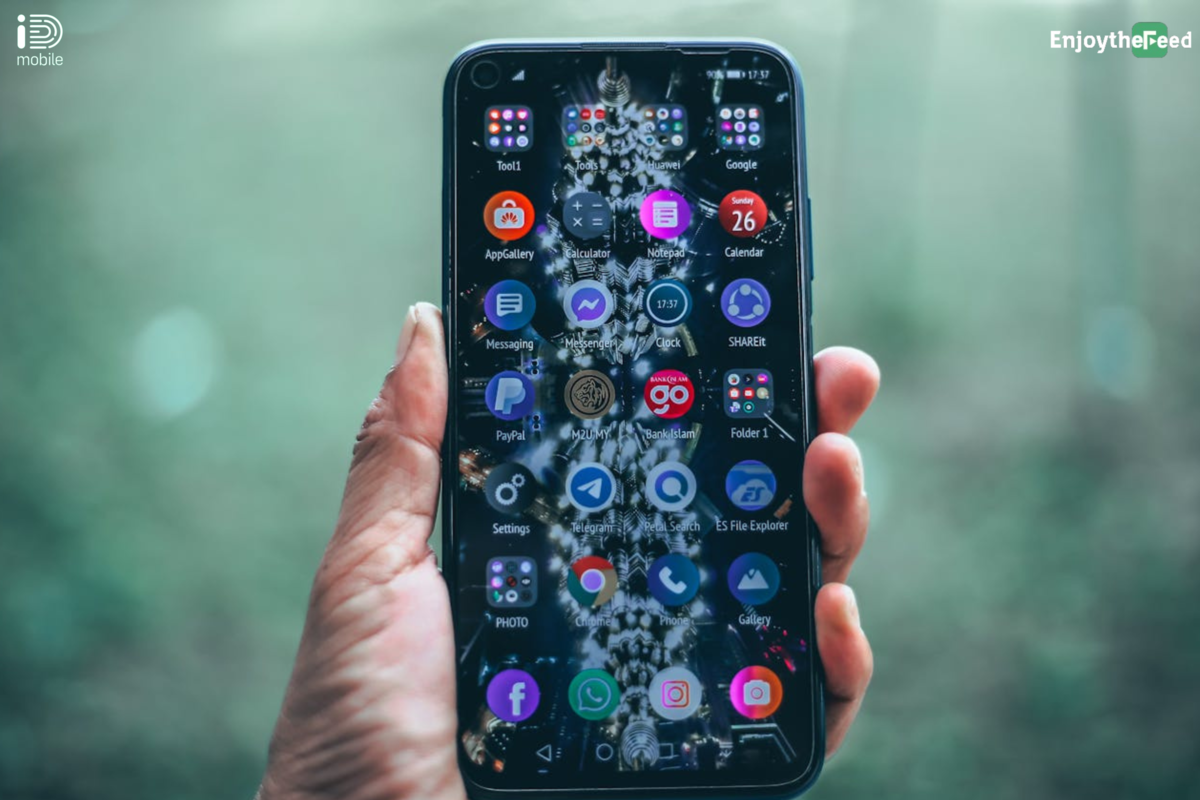
Switching to a new mobile provider can seem daunting, but with iD Mobile, the process is straightforward and hassle-free. This guide will provide you with the top 10 tips to ensure a smooth transition to iD Mobile, including how to transfer your number and set up your new plan.
1. Check Your Current Contract
Before switching to iD Mobile, review your current mobile contract to check for any early termination fees or outstanding charges. This will help you plan the best time to switch without incurring additional costs.
Key Points:
- Termination Fees: Ensure you’re aware of any fees.
- Contract End Date: Know when your current contract ends to avoid overlap.
2. Choose the Right iD Mobile Plan
iD Mobile offers a variety of plans tailored to different needs and budgets. Whether you need a plan with lots of data, unlimited texts, or international roaming, iD Mobile has options for everyone.
Popular Plans:
| Plan | Data | Minutes | Texts | Price (per month) |
| 12GB Plan | 12GB | Unlimited | Unlimited | £10.00 |
| 30GB Plan | 30GB | Unlimited | Unlimited | £12.00 |
| 50GB Plan | 50GB | Unlimited | Unlimited | £15.00 |
3. Obtain Your PAC Code
To keep your existing phone number, you’ll need a Porting Authorisation Code (PAC) from your current provider. Simply text ‘PAC’ to 65075 to receive your code within 60 seconds.
Steps:
- Text ‘PAC’ to 65075
- Receive your PAC code
4. Sign Up for iD Mobile
Once you’ve chosen your plan and obtained your PAC code, sign up for iD Mobile online. The sign-up process is quick and straightforward, and you can have your new SIM card delivered to your door.
Sign Up Steps:
- Visit iD Mobile’s website
- Choose your plan
- Enter your PAC code if keeping your number
5. Insert Your New SIM Card
After receiving your iD Mobile SIM card, insert it into your phone. If you’re using a new phone, make sure it’s unlocked. Most iD Mobile SIM cards are compatible with all phones.
How To:
- Power off your phone
- Insert the SIM card
- Turn your phone back on
6. Transfer Your Number
To transfer your existing number to iD Mobile, provide them with your PAC code. This process usually takes one working day, and you’ll receive a notification once the transfer is complete.
Transfer Steps:
- Log into your iD Mobile account
- Enter your PAC code and existing phone number
- Wait for the transfer confirmation
7. Set Up Your New Plan
Once your number has been transferred, you can set up your new plan features. This includes activating data packages, setting up voicemail, and customizing your usage alerts.
Setup Tips:
- Activate data packages in the iD Mobile app
- Set up voicemail by following prompts
- Customize usage alerts to avoid overcharges
8. Download the iD Mobile App
The iD Mobile app makes managing your account easy. You can track your usage, pay your bills, and even get customer support directly from the app.
App Features:
- Track data usage
- Pay bills
- Get support
9. Monitor Your Usage
Keep an eye on your data, call, and text usage to ensure you stay within your plan limits. The iD Mobile app and online account management tools provide real-time updates on your usage.
Usage Monitoring:
- Set up alerts for data usage
- Review monthly statements
- Adjust plan if needed
10. Take Advantage of Customer Support
If you encounter any issues during your switch, iD Mobile offers excellent customer support through multiple channels, including online chat, phone support, and social media.
Support Options:
- Online chat on the iD Mobile website
- Phone support
- Help articles and FAQs
FAQs
How long does it take to switch to iD Mobile?
Switching to iD Mobile usually takes one working day if you’re transferring your number. The process is quick and seamless, especially if you’ve prepared by obtaining your PAC code in advance.
Can I keep my existing phone number?
Yes, you can keep your existing phone number by obtaining a PAC code from your current provider and providing it to iD Mobile during the sign-up process.
What if my phone is locked?
If your phone is locked to another network, you’ll need to contact your current provider to unlock it before inserting your iD Mobile SIM card. Most providers will unlock your phone for free or a small fee.
Are there any additional charges when switching?
There are no additional charges from iD Mobile for switching, but you should check with your current provider for any early termination fees or outstanding charges.
How do I activate my new iD Mobile SIM card?
Your iD Mobile SIM card will usually be activated automatically once you insert it into your phone and power it on. If not, follow the activation instructions provided with your SIM card.
Conclusion
Switching to iD Mobile is an easy and hassle-free process. By following these top 10 tips, you can ensure a smooth transition and start enjoying the benefits of iD Mobile’s competitive plans and excellent service. Whether you’re looking for a plan with lots of data, unlimited texts, or international roaming, iD Mobile has the perfect option for you.
Explore more about iD Mobile and find your ideal plan today by visiting their website and taking advantage of their customer-friendly services.