


We’ve all seen it happen. A deadline is approaching, someone asks for an update, and suddenly nobody is completely sure who owns the task. One person checks a spreadsheet. Another searches through emails. Someone else sends a message to the team.
Five minutes later, everyone is still trying to figure out what should have been obvious. This kind of situation may seem small, but repeated every day, it can affect productivity across an entire organization. monday.com offers a way for teams to create more visibility around tasks, responsibilities, deadlines, and workflows.
The Real Productivity Problem Isn’t Always Time
When people think about productivity, they often focus on working faster. But sometimes the bigger issue is wasted coordination.
Teams lose time when they have to:
- Ask for project updates
- Search for documents
- Confirm task ownership
- Follow up on deadlines
- Recreate reports
- Manually update several systems
- Attend meetings simply to understand progress
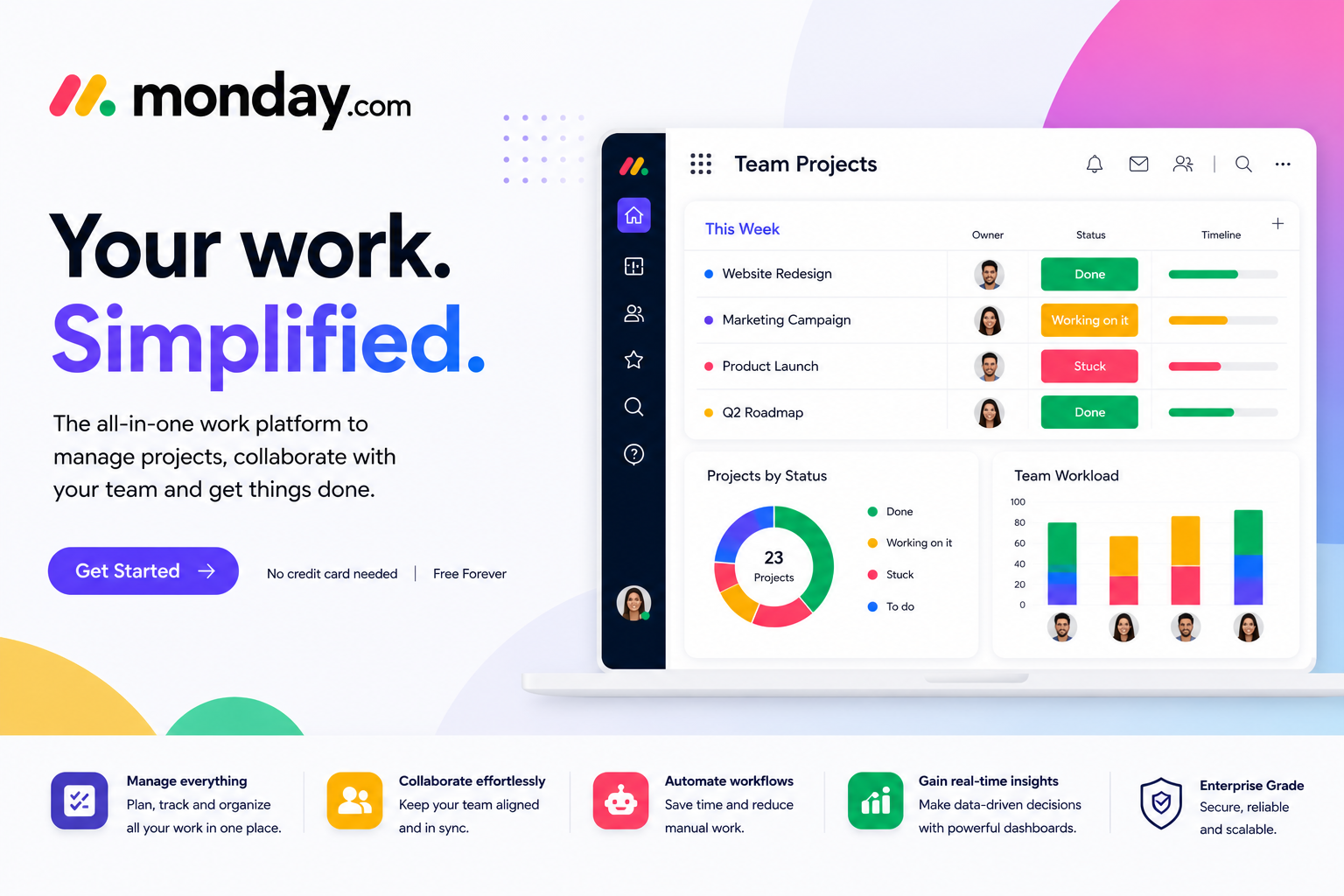
A centralized work platform can reduce some of this friction by giving teams a shared system for managing work. monday.com allows teams to organize work using boards, items, columns, workspaces, views, dashboards, and other tools.
Turn a List of Tasks into a Clear Workflow
A basic task list tells you what needs to be done. A good workflow can tell you much more.
For example, a marketing team could organize a campaign by tracking:
● Idea → Planning → Content → Design → Review → Approval → Published
Each stage provides context around where the work currently stands.
monday.com‘s customizable boards allow teams to structure work according to their processes. Tasks can have owners, statuses, dates, and additional information so that everyone has a clearer understanding of what is happening.
Deadlines Become Easier to See
Missing a deadline isn’t always caused by poor planning. Sometimes deadlines are missed because they’re buried in emails, spreadsheets, or conversations. monday.com provides different ways to visualize schedules and tasks. Its project capabilities include Gantt charts, milestones, dashboards, and workload views that help teams understand timelines and resource allocation.
Instead of looking at a project as one huge assignment, teams can break it into manageable pieces and track progress along the way.
What Happens When Routine Tasks Run Themselves?
● Now imagine that certain tasks happen automatically.
● A deadline is approaching → the owner receives a notification.
● A task is completed → the next person is alerted.
● A new request arrives → a task is created automatically.
● This is where workflow automation becomes useful.
● Monday.com offers no-code automations for actions such as notifications, date reminders, task assignments, task creation, and handovers.
The idea isn’t to replace people. It’s to reduce the amount of repetitive coordination people have to perform manually.
A Better View for Managers
● Team members usually need detailed information about their tasks. Managers, however, often need a broader view.
● Which projects are progressing?
● Which deadlines are at risk?
● Where are resources being stretched?
● What has been completed?
● Monday.com’s dashboards and reporting capabilities can help turn work data into higher-level visibility. Teams can analyze information across boards and use visual dashboards to understand progress and performance.
This can make regular project reviews more focused because managers have a clearer picture before the meeting even begins.
Not Every Team Works the Same Way
●A major advantage of flexible work management software is customization. A software development team doesn’t manage work exactly like an HR department. A creative team doesn’t have the same workflow as a sales team.
● Monday.com supports different use cases across departments, including marketing, operations, IT, HR, sales, project management, and product development. Instead of forcing every department into one rigid process, teams can create structures that fit their actual work.
Collaboration Without Constant Status Meetings
Status meetings can be useful, but they shouldn’t be the only way people know what’s happening. When task statuses, ownership, updates, and deadlines are visible, team members can often find information themselves. monday.com is designed to keep work and collaboration connected, while integrations can help teams bring other tools into their workflows.
That can help reduce unnecessary back-and-forth and allow meetings to focus on decisions rather than simply exchanging updates.
Where AI Fits Into Modern Work
Work management is also changing as AI becomes part of everyday workflows. monday.com currently describes its platform as an AI work platform and offers AI capabilities designed to support tasks such as scheduling, prioritization, status reporting, workflow automation, and project coordination.
The important point is that AI works alongside the existing workflow rather than sitting completely separately from it.
What We’ve Learned
Productivity isn’t about filling every minute of the day. It’s about removing unnecessary friction so people can focus on meaningful work.
monday.com gives teams a centralized way to organize tasks, manage projects, assign responsibilities, automate repetitive actions, and understand progress. With customizable workflows and multiple ways to visualize work, teams can build a system that matches the way they operate.
And perhaps the biggest benefit is simple: fewer moments spent asking, “Who is handling this?”, and more time spent actually getting the work done.