


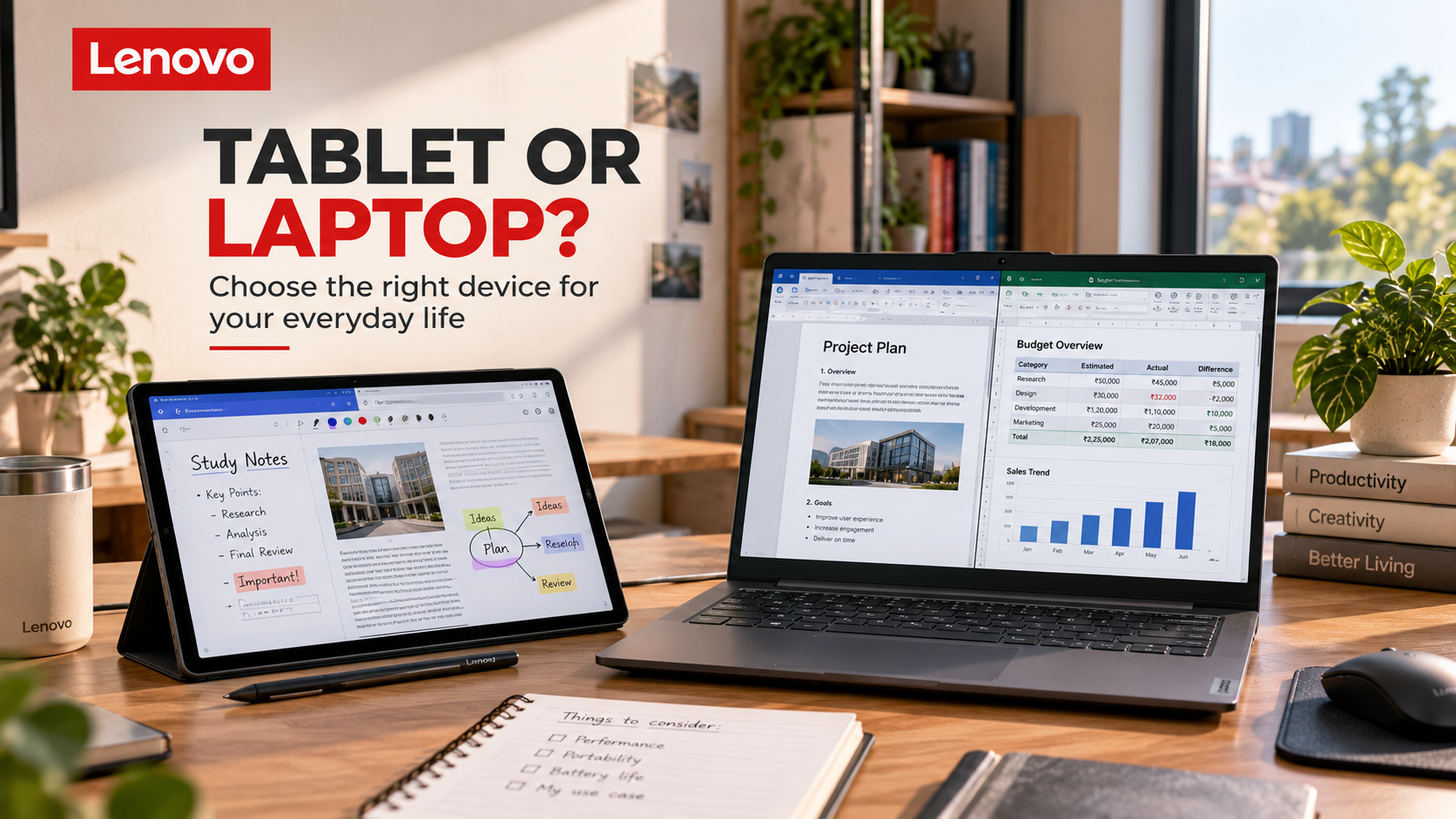
to identify your most frequent tasks, not the occasional activity you might try once or twice. If you mainly use your device for reading and entertainment, you may not need a powerful workstation. If your work depends on specialised desktop software, a tablet may not be a complete replacement. Exploring the device categories on Lenovo becomes easier once you have a clear picture of what you want your technology to help you accomplish.
When a Tablet Makes More Sense
One of the biggest advantages of a tablet is its convenience. It is generally easy to pick up, carry around, and use without arranging a dedicated workspace. You can read an article while sitting on the sofa, check a document at a café, watch a lecture in bed, or take notes during a class without opening a full-sized computer.
Touchscreen interaction also changes how you use a device. Instead of relying entirely on a mouse and keyboard, you can tap, swipe, write, draw, and interact directly with the content on the screen. This can be particularly useful for reading, handwritten notes, sketching, and other activities where a more natural form of input is helpful.
A tablet can also be a practical choice for households that share entertainment devices. It can be used for video streaming, browsing, video calls, reading, and casual gaming without requiring a laptop to be moved from a desk. Some models support optional keyboards and styluses, allowing you to adapt the experience to different tasks.
Lenovo‘s official tablet range includes devices positioned for everyday entertainment, studying, work, creativity, and gaming. The exact capabilities differ by model, so check the operating system, application compatibility, memory, storage, and accessory support before buying. A tablet is most useful when its portability and touch-based experience match the things you do regularly.
When a Laptop Is Still the Better Choice
Tablets have become more versatile, but there are good reasons laptops remain essential for many people. A laptop generally offers an integrated keyboard, a trackpad, a traditional desktop-style operating system, and access to a wider range of desktop applications. These features can make a substantial difference when your work involves creating and managing complex documents.
Consider someone preparing a long academic assignment. They may need to research information across multiple browser tabs, write and edit a document, organise references, manage downloaded files, and switch between applications repeatedly. A tablet can handle some of these activities, especially with a keyboard, but a laptop may offer a more comfortable workflow for the entire process.
The same applies to certain professional tasks. Software development, advanced spreadsheet work, desktop publishing, specialised business applications, and some creative workflows may require software or functionality that is unavailable or limited on a tablet. Even when a tablet supports an equivalent application, the experience may differ from the desktop version.
If your work depends on these capabilities, a laptop from Lenovo may be the more practical primary device. Explore the different laptop families and compare the specifications against your software requirements. It is better to choose a machine that handles your daily workload comfortably than to purchase a tablet and later discover that you still need a separate computer for essential tasks.
Students: Think Beyond Online Classes
Students often need a device that can do several things without stretching a limited budget. It might be used for online lectures, research, digital textbooks, assignments, presentations, group projects, and entertainment. The best choice depends partly on the subject being studied and partly on the student’s preferred way of learning.
A tablet can be particularly helpful for students who read extensively or prefer handwritten notes. With a compatible stylus, selected tablets allow users to annotate PDFs, draw diagrams, write notes, and organise study material digitally. Instead of carrying several notebooks, a student may be able to keep much of their study material in one place.
However, a laptop may be more suitable for students who write long assignments, use specialist software, manage large projects, or need several applications open simultaneously. Courses in engineering, architecture, computer science, design, and other technical fields may have specific software requirements that influence the decision. Always check the institution’s recommendations before choosing a device.
Lenovo‘s tablet catalogue includes options designed for education, note-taking, and productivity, while its laptop range covers different study and computing needs. Compare the total cost of the device and any accessories you may need. A tablet with a compatible keyboard, stylus, and case can become more expensive than expected, so include those items in your budget from the beginning.
Can a Tablet Replace Your Notebook?
If you regularly take handwritten notes, a tablet may be an appealing alternative to traditional notebooks. It can keep class notes, diagrams, reading material, and personal reminders together without requiring a separate notebook for every subject. You can also search digital documents more easily than flipping through pages to find something you wrote weeks ago.
A compatible stylus can make this experience more useful. Depending on the device and application, you may be able to highlight text, annotate documents, sketch ideas, or write notes by hand. Some people find this particularly helpful for subjects that involve diagrams, equations, or visual explanations.
Still, digital note-taking takes a little adjustment. You need to organise files consistently, choose suitable applications, and make sure your device has enough battery for your classes. Some students may also prefer writing on paper because it feels more natural or reduces distractions. There is no need to replace a method that already works well simply because a digital alternative exists.
If you want to explore a digital note-taking setup, check the compatible pen and accessory options for Lenovo tablets before buying. Stylus support, charging methods, palm rejection, and compatibility can vary by model. Make sure the specific tablet supports the features you need rather than assuming every touchscreen device offers the same writing experience.
Creative Work: Drawing, Editing, and Developing Ideas
Creative work is another area where tablets and laptops can complement each other. A tablet can feel particularly natural for sketching, handwritten planning, drawing, and visual experimentation. Using a stylus directly on the screen can make the process feel closer to working with a pen and paper, although the quality of the experience depends on the display, stylus, and application.
For example, an illustrator might use a tablet to sketch concepts, annotate references, or develop early ideas. A student working on a presentation could use it to draw diagrams or mark up documents. Someone who enjoys photography may appreciate having a portable screen for reviewing images and making selected edits while travelling.
Laptops offer different strengths. They may be better suited to workflows that require specialised desktop creative software, extensive file management, multiple external displays, or more powerful processing and graphics hardware. Video editing, three-dimensional design, and complex creative projects can place significant demands on a device, so the required applications and hardware should guide your decision.
Lenovo offers tablets and laptops across different use cases, including devices intended for creative work. Before choosing one, identify the applications you intend to use and check their operating-system requirements. Also consider screen quality, stylus compatibility, memory, storage, and whether you need to transfer large files between devices. The best creative setup is the one that supports your actual process rather than simply looking impressive in a product photograph.
Entertainment: A Device You Can Carry Anywhere
Not every device purchase needs to revolve around work or studying. Sometimes you simply want something comfortable for watching films, reading, browsing, listening to music, or playing games. For these everyday activities, a tablet can be a convenient option because it is portable and easy to use in different parts of the home.
Screen size and quality are important when choosing a device for entertainment. A larger display may be more comfortable for watching videos or reading comics, while a smaller tablet may be easier to hold for longer periods. Sound quality, speaker placement, headphone connectivity, and battery performance can also affect your experience.
Storage deserves attention if you download films, keep large collections of photos, or install several games. A device with limited capacity can fill up quickly, particularly if you use it for more than one purpose. Check whether the model supports expandable storage and consider how much space your applications and files are likely to require.
Lenovo‘s tablet range includes devices positioned for entertainment, with specifications and features varying across models. Think about where you will use the tablet most often, how large a screen you prefer, and whether you need it to support other activities as well. A tablet that handles entertainment comfortably while also helping with occasional work may offer better value than one purchased for a single narrow purpose.
The Hybrid Option: Use a Tablet and Laptop Together
Sometimes the choice does not have to be one or the other. If your budget allows and your routine benefits from two devices, a tablet and laptop can work together surprisingly well. Each device can handle the tasks for which it is most convenient, reducing the need to compromise on everything.
You might use a laptop as your main work machine and a tablet for reading, handwritten notes, entertainment, and travel. A student could prepare assignments on a laptop but review lecture notes and annotate documents on a tablet. A professional might use a laptop for detailed work while carrying a tablet to meetings for reviewing documents and presenting information.
The key is to give each device a clear role. If you buy two devices that perform exactly the same tasks, you may end up paying for capabilities you rarely use. Before spending more, identify the specific activities that would genuinely be easier with a second device.
If you are considering a combination, compare the Lenovo laptop and tablet ranges together rather than evaluating each product in isolation. Think about file synchronisation, cloud storage, connectivity, compatible accessories, and how easily you can move between the devices. A practical two-device setup should make your routine more convenient, not create extra work just to keep everything organised.
Keyboards, Pens, and Cases: Accessories Matter
A device’s usefulness can change significantly depending on the accessories you choose. A tablet that feels perfect for reading may become more practical for writing when paired with a compatible keyboard. A stylus can support handwriting and drawing, while a protective case can make the device easier to carry and position on a desk.
However, accessories are not always interchangeable. Some keyboards are designed for specific tablet models, while styluses may support only selected devices or features. Even if an accessory connects through Bluetooth, that does not guarantee every function will work exactly as you expect. Compatibility should always be checked before purchasing.
Think about how you will use the device. If you mainly read and watch videos, a simple protective case may be enough. If you regularly type essays or emails, a keyboard could be more useful. If you draw or annotate documents, look for a compatible stylus with the capabilities you need. You do not necessarily need to buy every accessory at once.
The official Lenovo accessories catalogue includes categories such as keyboards, mice, audio products, cases, bags, docking solutions, and other peripherals, while the tablet range lists compatible accessories for selected devices. Check the exact model compatibility and total price before buying. An inexpensive tablet can become a much larger purchase when several accessories are added, so plan for the complete setup rather than the device alone.
Battery Life, Weight, and Portability
One of the biggest reasons people consider tablets is convenience. A device that is easy to carry and comfortable to use away from a desk can fit naturally into a busy routine. But portability involves more than looking at the device’s dimensions. Weight, battery performance, charging requirements, and how you transport the device all contribute to the experience.
If you commute regularly or move between classes, a lightweight tablet may be easier to carry than a larger laptop. It can be useful for reading during a journey, checking information between meetings, or reviewing documents while waiting somewhere. However, if you need to type extensively, you may also have to carry a keyboard, which changes the overall weight and convenience.
Battery life is equally important. Actual results depend on screen brightness, applications, wireless connectivity, workload, and other factors. A device used mainly for reading may last differently from one used for video calls or demanding applications. Look for realistic reviews and specifications rather than relying entirely on the most optimistic advertised figure.
When comparing Lenovo tablets and laptops, think about your typical day and how often you have access to a charger. If your work involves long sessions away from a power outlet, battery performance should be a priority. If you mostly work at home, screen size and keyboard comfort may matter more. The right balance depends on where and how you use your device.
Software Compatibility Is More Important Than It Looks
A device can have an excellent display and attractive design yet still be unsuitable if it cannot run the applications you need. This is one of the most important differences to consider when comparing tablets and laptops. Different operating systems support different applications, file-management methods, and workflows.
Before buying a tablet, check whether the applications you rely on are available for its operating system and whether their tablet versions include the features you need. Some applications work very well on tablets, while others may offer a simplified interface or lack features available in desktop versions. If you depend on a specific professional programme, do not assume that a similar-looking mobile application will provide the same functionality.
Cloud-based applications can make tablets more versatile, particularly for documents, email, collaboration, and online learning. However, they may depend on a reliable internet connection, and some workflows may still be more convenient on a laptop. If you frequently work with large files or specialised peripherals, check compatibility before committing to a device.
Explore the specifications and software details for Lenovo devices alongside the requirements published by the developers of your essential applications. If possible, test the workflow you expect to use before purchasing. A little research can prevent the frustration of discovering that an important feature is unavailable on your chosen device.
How to Make the Right Choice on a Limited Budget
When money is limited, it becomes even more important to choose a device based on real needs. A tablet may appear cheaper at first, but the total cost can rise when you add a keyboard, stylus, case, and other accessories. A laptop may cost more initially while including the keyboard and pointing device you need for daily work.
Start by listing the tasks your device must handle. Next, identify the features that would be useful but are not essential. This helps you avoid spending money on specifications that sound impressive but do not improve your everyday experience. It also makes it easier to compare different devices fairly.
Check the full configuration and the current price, including any accessories you expect to purchase. Compare memory, storage, screen quality, software compatibility, warranty terms, and upgrade options where relevant. A slightly more expensive model may offer better long-term value if it meets your requirements more comfortably, but spending extra only makes sense when the additional features are useful to you.
You can explore current products and offers through the official Lenovo India website, including its laptop, tablet, and accessories categories. Prices, promotions, and stock can change, so confirm the current details before placing an order. Avoid rushing into a purchase simply because an offer has a deadline. A device that suits your routine is more valuable than a discount on the wrong product.
Final Thoughts: Choose the Device That Fits You
There is no universal winner in the tablet-versus-laptop debate. Tablets are convenient for reading, handwritten notes, entertainment, and certain creative or productivity tasks. Laptops remain valuable for extensive typing, desktop software, specialised work, and workflows that benefit from a traditional computer environment. For some people, one device is enough; for others, combining both makes everyday life easier.
Start by looking at the tasks you perform most often. Check the software you need, consider how much typing you do, and think about where you will use the device. If you are leaning towards a tablet, include compatible accessories in your budget. If you prefer a laptop, pay attention to portability, battery life, keyboard comfort, and the specifications required by your applications.
The Lenovo range includes tablets, laptops, and accessories designed for different kinds of users, giving you several ways to build a setup around your routine. Explore the official product listings, compare the exact models, and check the details rather than relying on a product name or a single headline specification.
Ultimately, technology should make your day easier. The best device is not necessarily the most expensive or the one with the longest feature list. It is the one that helps you study, work, create, communicate, or relax in a way that feels natural. When you choose according to your real needs, you are much more likely to be satisfied with your purchase long after the excitement of unboxing it has passed.